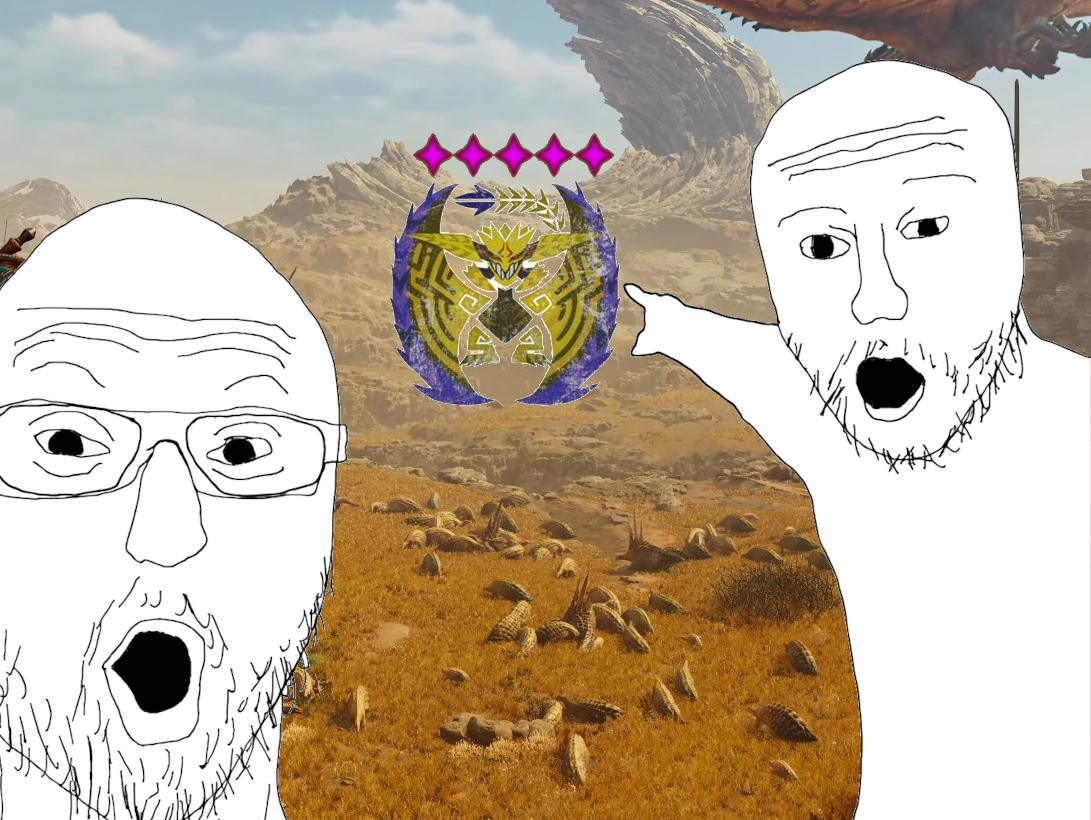
I’m a modder now
Is it in the middle of the semester? Yes. Are there more “important” things that I should do first? Maybe. But “important” is a relative concept anyway.
Monster hunter is a game I’ve loved since I was a wee kid and my mum got me a PSP (shoutout to her). Something about it just activates my neurons. So when I heard that Wilds (the newest iteration in the series) was coming out in the middle of the semester, it was terrible news. I planned on not buying it - staying away till the semester was done. But alas, my friend bought it for me (shoutout to him). I took that as a sign and succumbed to its siren call.
The seed
I was watching a video on youtube about the strength of monsters and how it’s random, and there the idea sprouted in my head - you could make a mod for this… I didn’t know how modding was done but it couldn’t be that bad right?
Then, while I was downloading other mods for the game, I looked into how it was done. Curiosity. I started reading the modding framework documentation. I joined a discord server for modding. I played around with things. I became consumed with this idea and would not stop till it was done.
So how does this work anyway
So modding a ReEngine game comes in two flavours. First are .lua scripts - the modding framework allows you to read the game’s function calls and attach hooks to them to add on extra functionality. The other way, which is slightly more involved, is editing the game files themselves. This requires you to unpack the game files using a tool (made by the community!), and read them using a binary text editor. You can then make the changes there, save the file, and set up the edited file in the mod manager. Because I was changing the probability tables baked in the game itself, I needed to use the second, more involved, method.
It’s basically treasure hunting
After unpacking the files you’re left with a hierarchy of tons of files. Your job is to figure out which file correlates to the functionality you want to change. You have “hints” in the sense of folders and file names, but sometimes these are more of a hindrance than a help. You reach a file which you think is it? Well, DIG. Read the file, change the values if you think that’s what you want, and save it. Then you run the game and hope it works and that you didn’t break anything accidentally
It was a pain
To create this mod, I looked for any files related to enemy difficulty. I found some files called “emdifficulty”, which sounded like it was it. I deleted the entries of lower-strength monsters and hoped that was enough to force max-strengths, but that kind of broke the game.
Then, I tried editing each enemy file to be the strongest version itself. This worked! I could even give them millions of HP and one-hit attacks. But the changes wouldn’t apply for other players in the multiplayer session.
After this, I looked for any files relating to “quests”, “strength”, and “rewards”. I had a hunch that difficulty was tied to rewards. But after looking through way too many files, I couldn’t find what I wanted.
The next morning, I took a look again. The in-game ReFramework mod allows you to take a look at objects and methods in the game, so I spent a while triggerring respawns and hooking methods to figure out which methods are called when monsters are spawned in the map. I figured out some method called “popField()” (or something to that effect) was used when populating the field. No way. This was another hint now - I looked for files and folders with “pop” or “field” in the name. With this newfound hint, I grepped. I grepped and grepped, until I found a file called st_…_fieldparams. This was promising. Playing around with it and manually changing the values, I could see that the changes actually affected spawns.
Programatically making the changes
However, there were a lot of fields to edit, and I’d have to do it everytime a new update was out. So I wanted to figure out a way to do this programatically. Thankfully, some great people in the community made a .dll exactly for this. I hadn’t touched C# in a hot minute, but I was currently learning Java in the semester. The two languages are pretty similar, and coding in C# went super smooth. I used the .dll to read the file and make batch changes. I tested it and yep, it worked!
Publishing it

After that, I published it. My first mod! Right now, it has 2297 unique downloads, which is crazy to me. Keeping it updated and responding to queries is an interesting experience to say the least. I have wayy more ideas for mods now but I’ll probably leave those ideas on backburner until the semester is over.